Booking & payments / 7 min read
Online Booking Systems: A Guide for Service Businesses
Learn how to choose an online booking system for a service business, covering availability, deposits, reminders, customer records and operational follow-up.
What an online booking system does
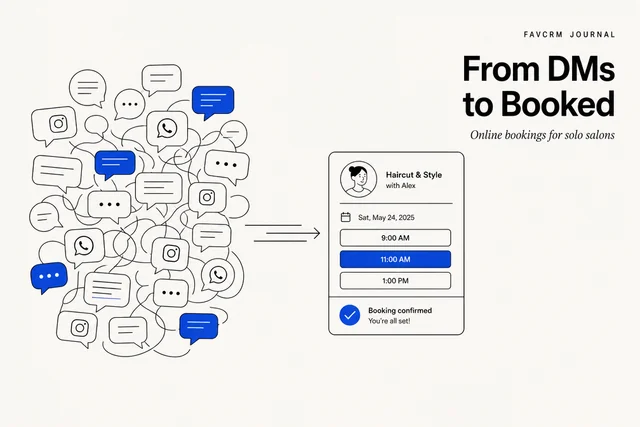
Half your day shouldn’t go to “are you free Tuesday?” texts, missed calls, and the double-booking you catch too late.
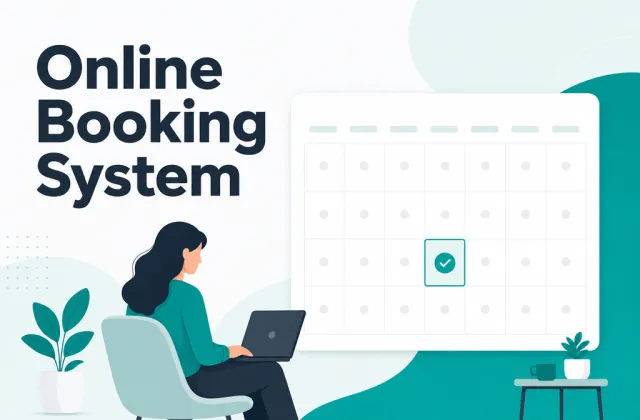
An online booking system ends that: customers see your real availability and book themselves in, and every appointment lands as a record, not a note you’ll lose. For a service business, it’s the difference between selling your time and administering it.
A good one handles five things without you thinking about them:
- Real availability — open slots calculated from service duration, staff, and existing bookings, so nothing double-books.
- Self-service booking — customers pick a time that’s actually free, from any device.
- Confirmations and reminders — automatic, so no-shows drop.
- A customer record — every booking attaches to a contact with history, not a calendar event in isolation.
- Payment, when you want it — deposits or full payment at booking to protect your time.
This is the hub for everything we’ve written on choosing and running one. Below, the guides are grouped by what you’re trying to do.
When you need one
You need a booking system the moment scheduling becomes a job. Concretely: when you’re losing time to message tag, when no-shows cost real money, or when you can’t see your week at a glance. Solo operators feel this first because every admin minute is a minute not earning.
You don’t need a marketplace. A common trap is signing up for a platform that lists you alongside competitors and takes a cut of every booking — paying rent on your own customers. A booking system you own does the scheduling without renting you your clients back.
Adapt the setup to your service
The mechanics are similar, but duration, preparation, staff and payment rules differ by profession.
- Tutors need clear lesson types, parent communication, packages and rules for make-up lessons.
- Solo salons need realistic service durations, deposits, turnaround buffers and simple rescheduling.
- Clinics and professional services may need intake questions, private notes and tighter access controls.
- Classes and venues need capacity or resource rules, not only a staff calendar.
The best demonstration uses one of your actual services. Ask the supplier to configure its duration, staff or resource, payment rule and cancellation window, then make and change a test booking.
Where AI can help
AI should sit on top of reliable booking rules. It can summarise an enquiry, draft a reply using current availability, prepare a reminder or identify customers who need follow-up. It should not invent available times or silently make policy exceptions.
For a fuller evaluation framework, read the AI booking systems guide.
How to get started
- Map one service from enquiry to follow-up. Include duration, availability, payment, confirmation, changes and the customer record.
- Publish a small set of services first. Complex menus make testing harder.
- Turn on reminders with clear rescheduling instructions.
- Add deposits where an empty slot creates real cost.
- Review the first two weeks of exceptions before adding more automation.
FavCRM’s booking and payments module connects availability, deposits, reminders and customer history with the same record used for WhatsApp follow-up. Book a demonstration to test a real service workflow.